Disk cleanup
MacSweep
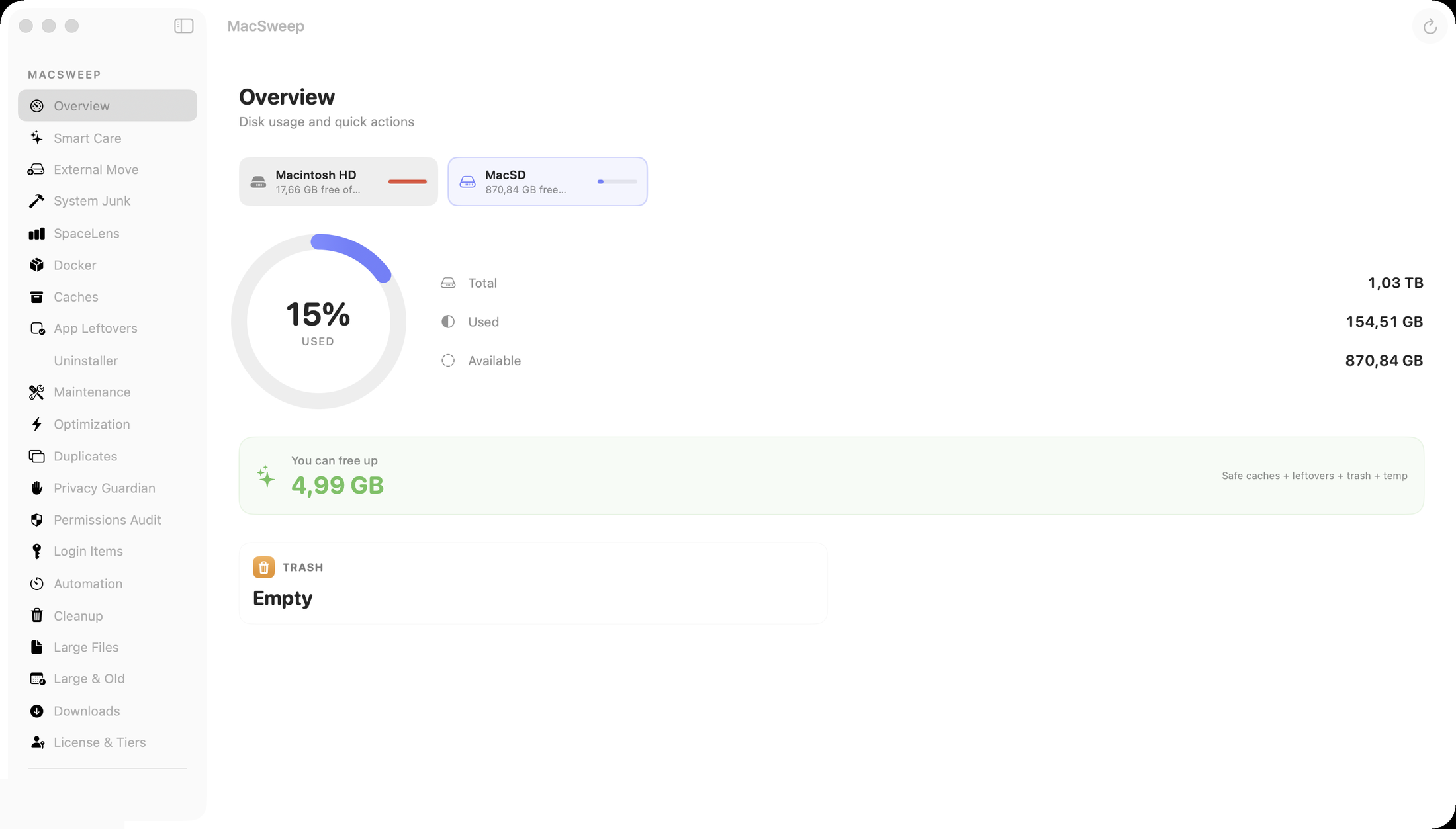
Review-first disk cleanup for old downloads, caches, app leftovers, Docker storage, and large files. You inspect what was found before taking action.
- Local scans
- Clear risk labels
- One-time purchase tiers
Mac utilities from one independent developer
A small collection of focused Mac utilities for people who want their computer to feel calm, fast, and under control.
Both apps are Developer ID-signed and notarized by Apple.
The apps
Each product has one clear job and links back to its official product site for downloads, pricing, support, and release details.
Disk cleanup
Review-first disk cleanup for old downloads, caches, app leftovers, Docker storage, and large files. You inspect what was found before taking action.
Voice typing
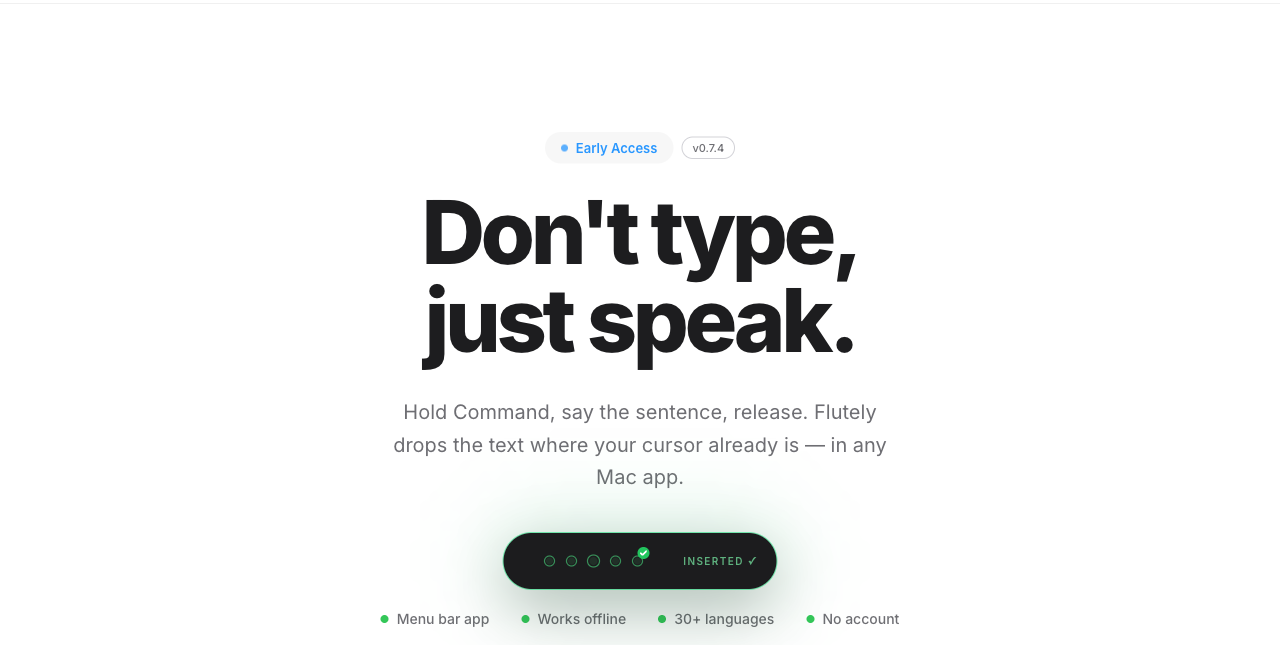
Private voice typing for Mac. Hold a hotkey, speak naturally, and insert polished text into the app where your cursor already is.
Why you can trust this hub
MacSweep and Flutely are signed with an Apple Developer ID and notarized by Apple, so macOS verifies each release before it runs.
Buttons and links take you to the official product pages. The hub does not trigger downloads or hidden redirects.
Both apps come from the same small independent maker and ship under the same Apple Developer ID (Team FZUGD25X69).
This site publishes a security.txt, a security contact, and per-product security pages that explain how to verify a download.
Common questions
My Mac Tools is the product-family site for MacSweep (review-first disk cleanup) and Flutely (private voice typing) - two focused Mac utilities from the same small independent maker.
Yes. Both apps are signed with the same Apple Developer ID (Team FZUGD25X69) and notarized by Apple, which means Apple scanned each release for malicious content before publication. You can verify any downloaded copy yourself with spctl -a -vv in Terminal.
Only from the official product domains: macsweep.app and flutely.app. This hub links to them and never hosts downloads itself. Treat any other download source as unofficial.
MacSweep has a free tier plus one-time-purchase upgrades - no subscription. Flutely is free during Early Access. Current pricing always lives on the official product sites.
MacSweep, Flutely, and this site share one first-party analytics service run by the same maker, hosted at analytics.flutely.app. It is not a third-party tracker; each product documents exactly what it reports on its own privacy page.
From the maker
My Mac Tools is the home of Mac apps made by geeks with love and care. Both MacSweep and Flutely are notarized by Apple before every release and ship from their own official domains. If you ever want to check that a download is genuine, the security page shows how to verify the signature yourself.
How to verify our apps